> For the complete documentation index, see [llms.txt](https://docs.crewcost.com/llms.txt). Markdown versions of documentation pages are available by appending `.md` to page URLs; this page is available as [Markdown](https://docs.crewcost.com/documentation/reporting-and-resources/reports/types-of-reports.md).
# Types of Reports
This page gives an overview of the standard financial and operational reports available in **CrewCost**. Understanding each report type helps you analyze performance, monitor cash flow, and make informed business decisions.
{% hint style="info" %}
If you want to create a new report using any of these report types, follow the steps [here](/documentation/reporting-and-resources/reports/create-new-reports.md).
If you need to edit or delete an existing report, refer to the instructions on the[ **Edit a Report**](/documentation/reporting-and-resources/reports/edit-a-report.md) page.
{% endhint %}
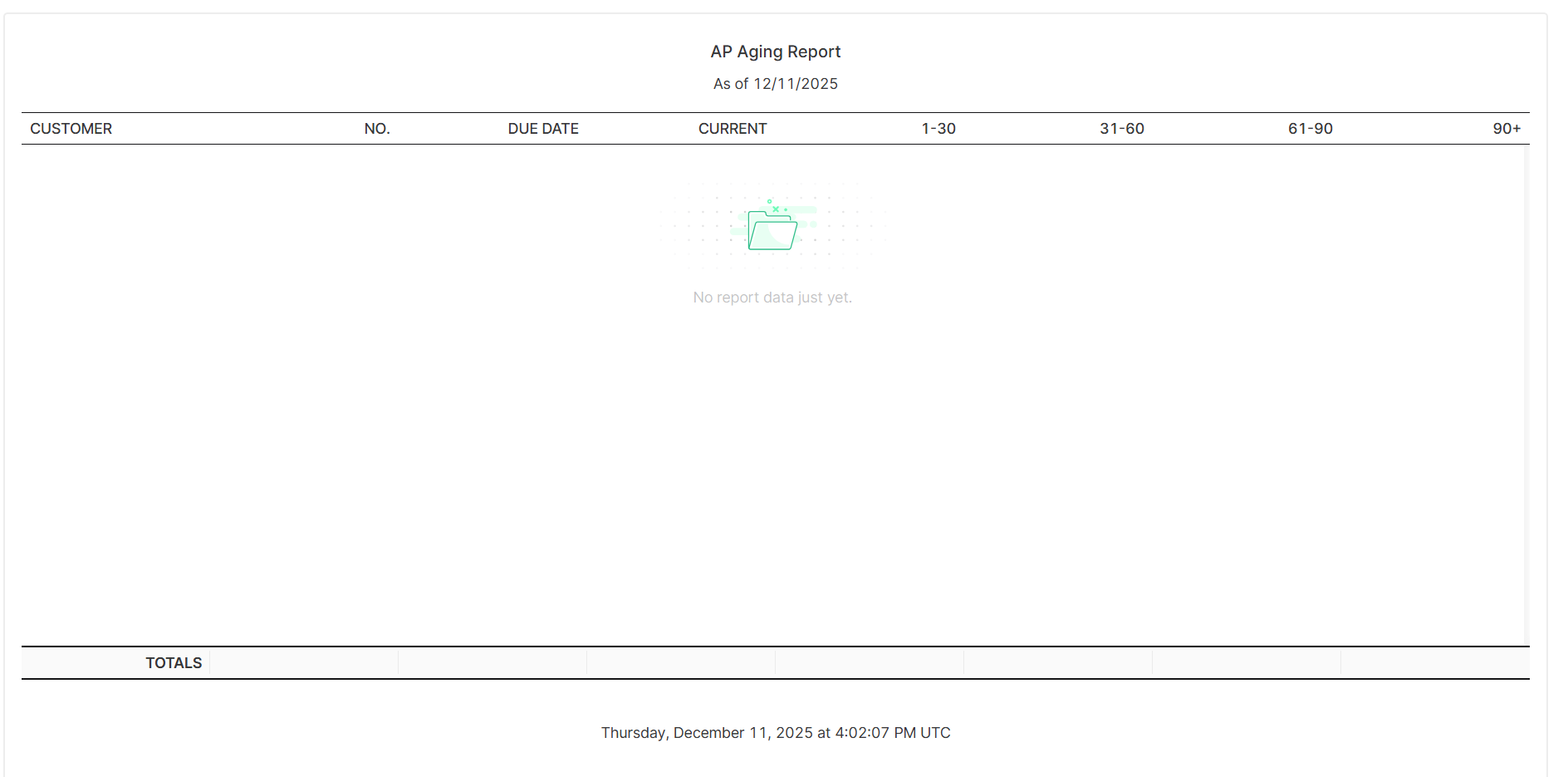
#### **Accounts Payable Aging (AP Aging)**
Shows all unpaid vendor bills, grouped by the length of time they have been outstanding.\
**Use it for:** Monitoring upcoming obligations, planning cash flow, and staying on top of overdue payments.
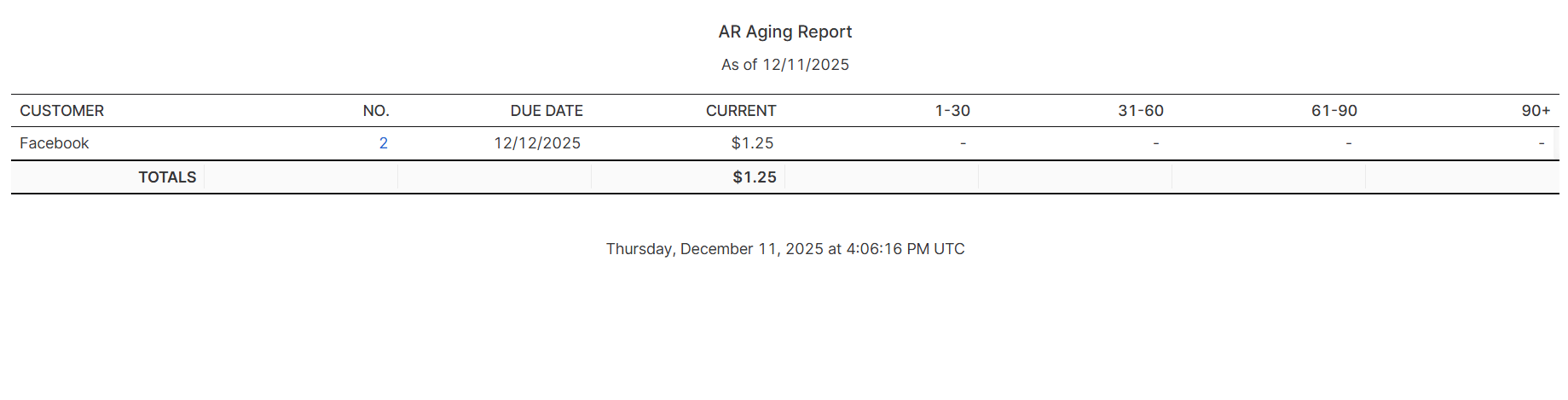
#### **Accounts Receivable Aging (AR Aging)**
Displays outstanding customer invoices, organized by how long they have been due.\
**Use it for:** Identifying late payments, improving collection efforts, and managing incoming cash flow.
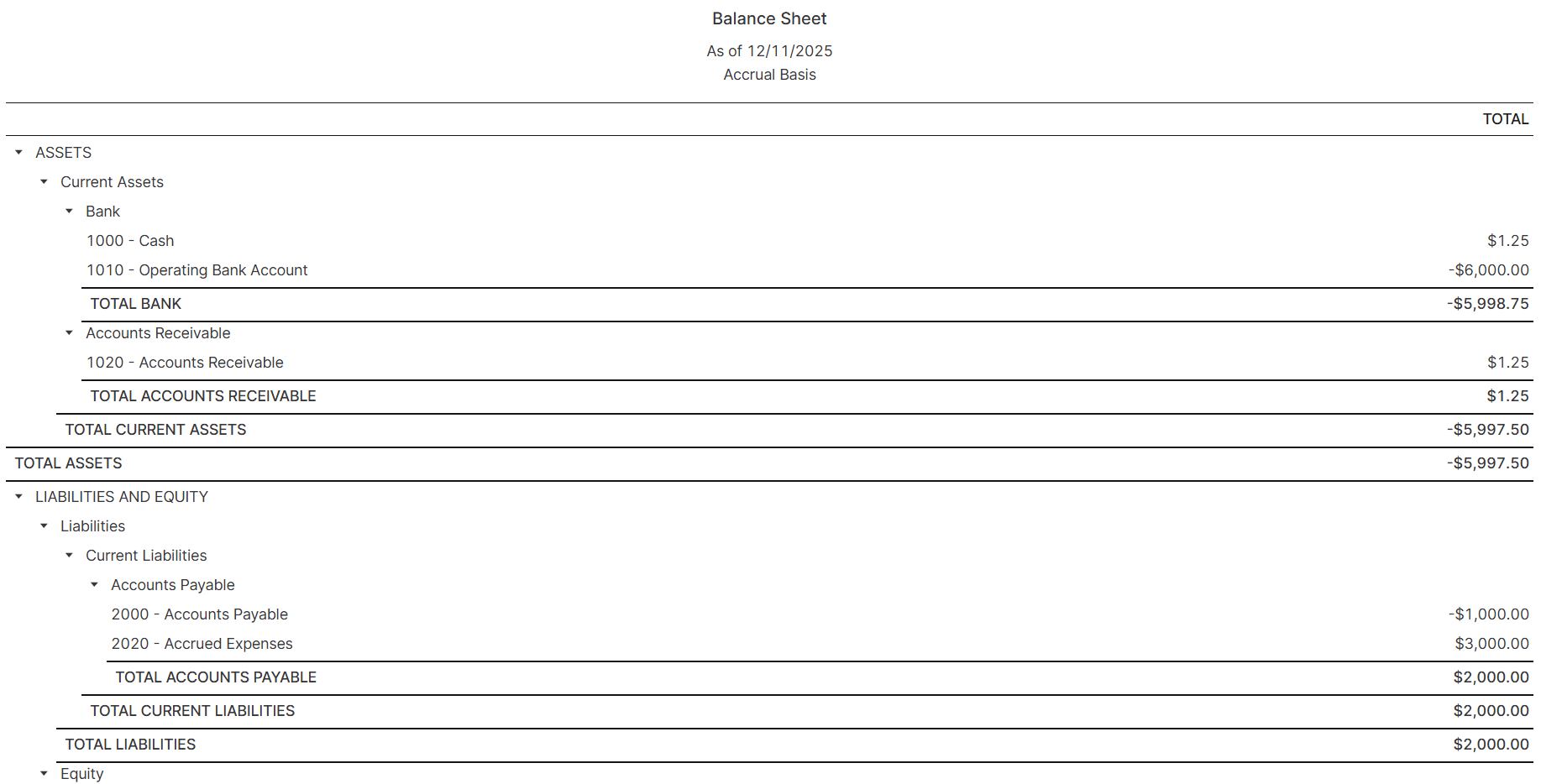
#### **Balance Sheet**
Provides a snapshot of your company’s financial position at a specific point in time, including assets, liabilities, and equity.\
**Use it for:** Understanding overall financial health and assessing liquidity and sustainability.
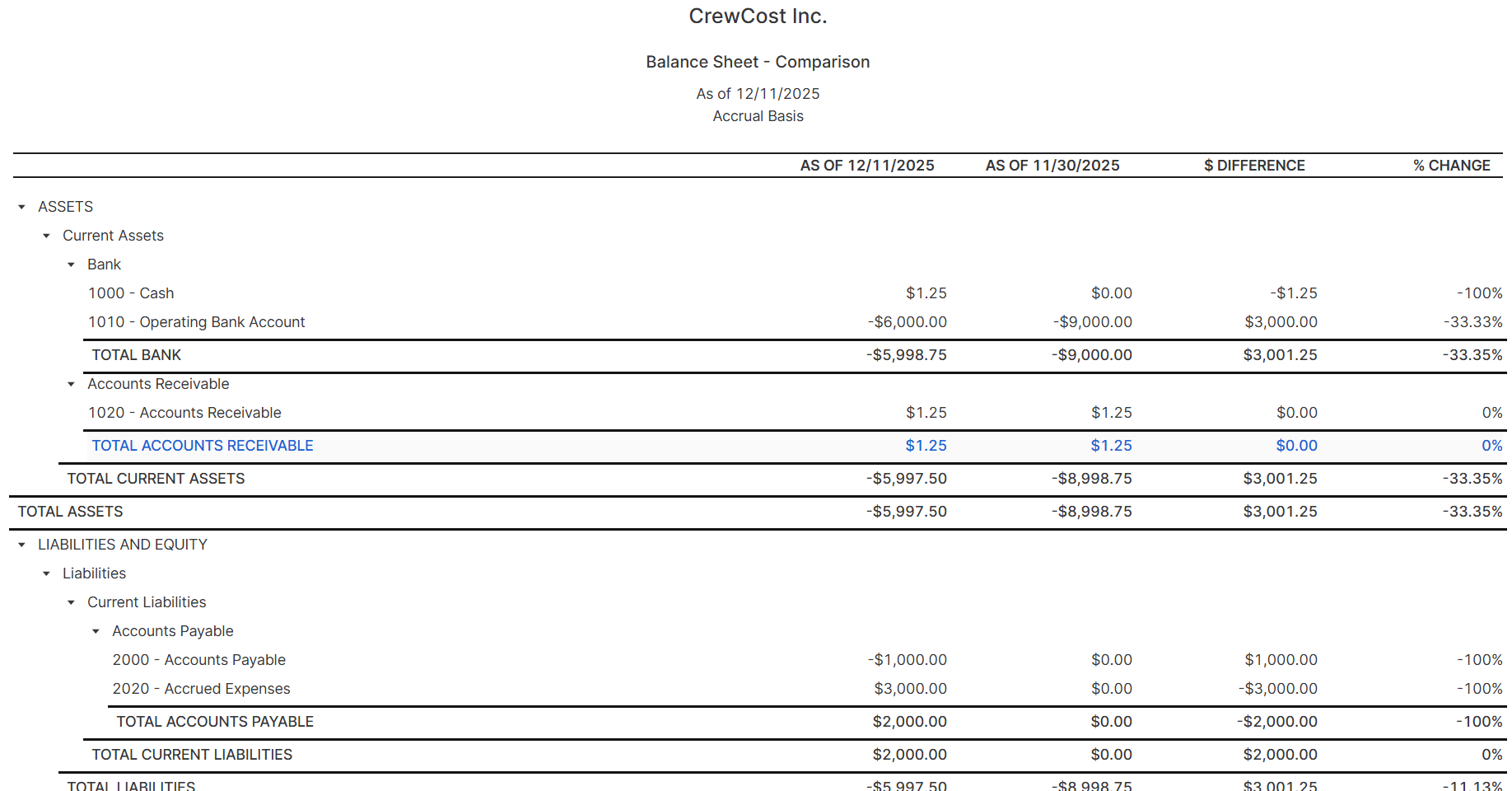
#### **Balance Sheet Comparison**
Compares balance sheet values from two different periods.\
**Use it for:** Tracking financial growth, analyzing changes in assets and liabilities, and identifying trends.
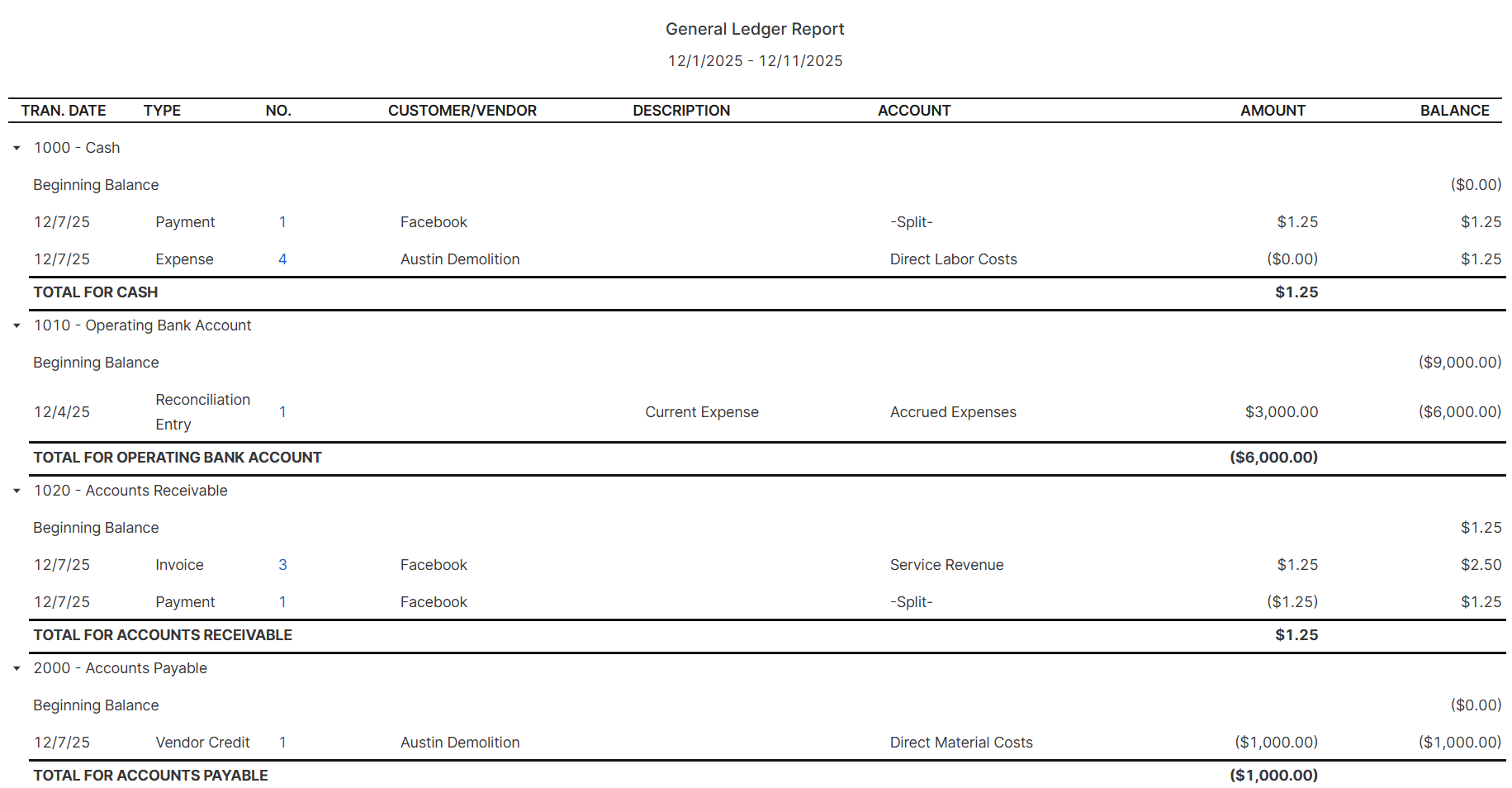
#### **General Ledger**
Shows a detailed record of all accounts and their transactions for a selected period.\
**Use it for:** Auditing, reconciliation, and verifying the accuracy of accounting entries.
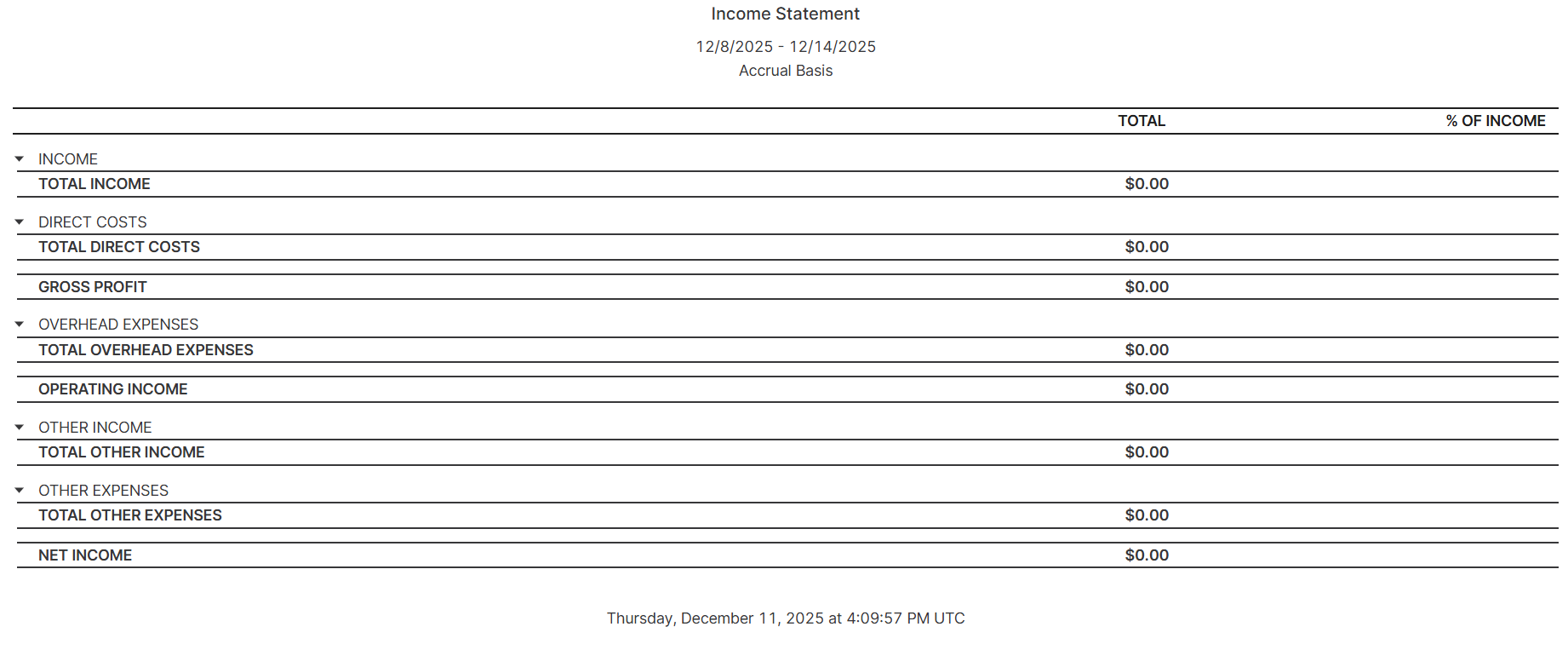
#### **Income Statement**
Summarizes revenues, expenses, and profit or loss for a specific period.\
**Use it for:** Assessing whether the business is profitable and evaluating cost structure and performance.
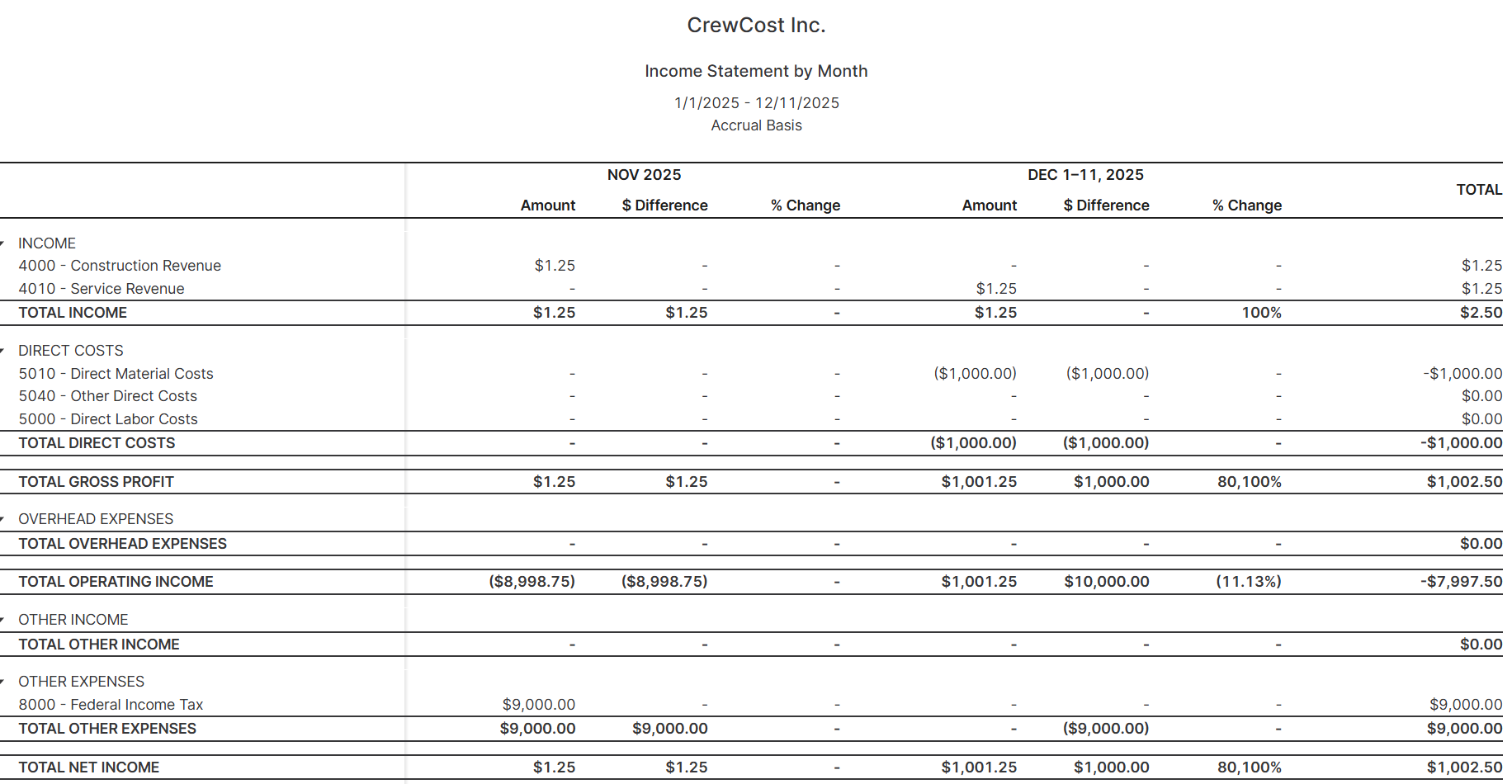
#### **Income Statement by Month**
Breaks down income and expenses month by month within a selected period.\
**Use it for:** Identifying seasonal patterns, tracking monthly performance trends, and monitoring budget alignment.
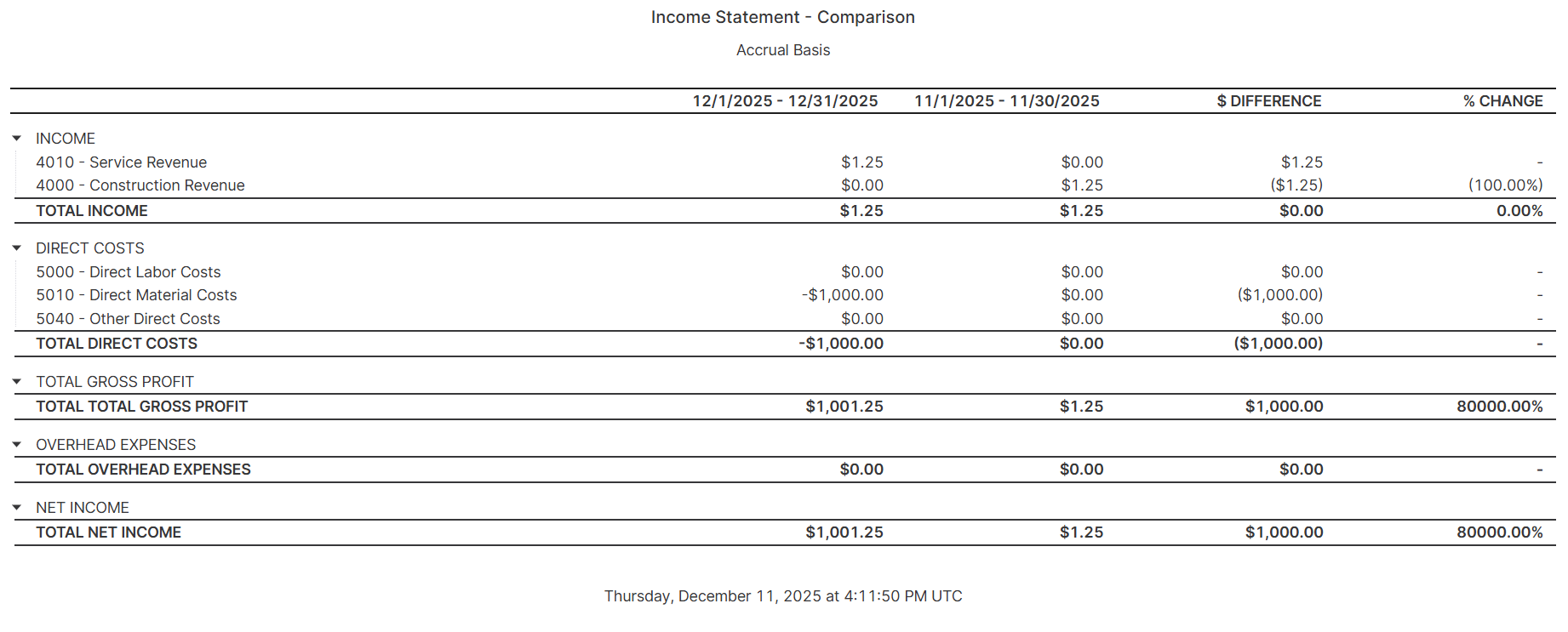
#### **Income Statement Comparison**
Compares income statements across two different periods.\
**Use it for:** Evaluating growth, analyzing revenue and cost impacts over time, and identifying performance shifts.
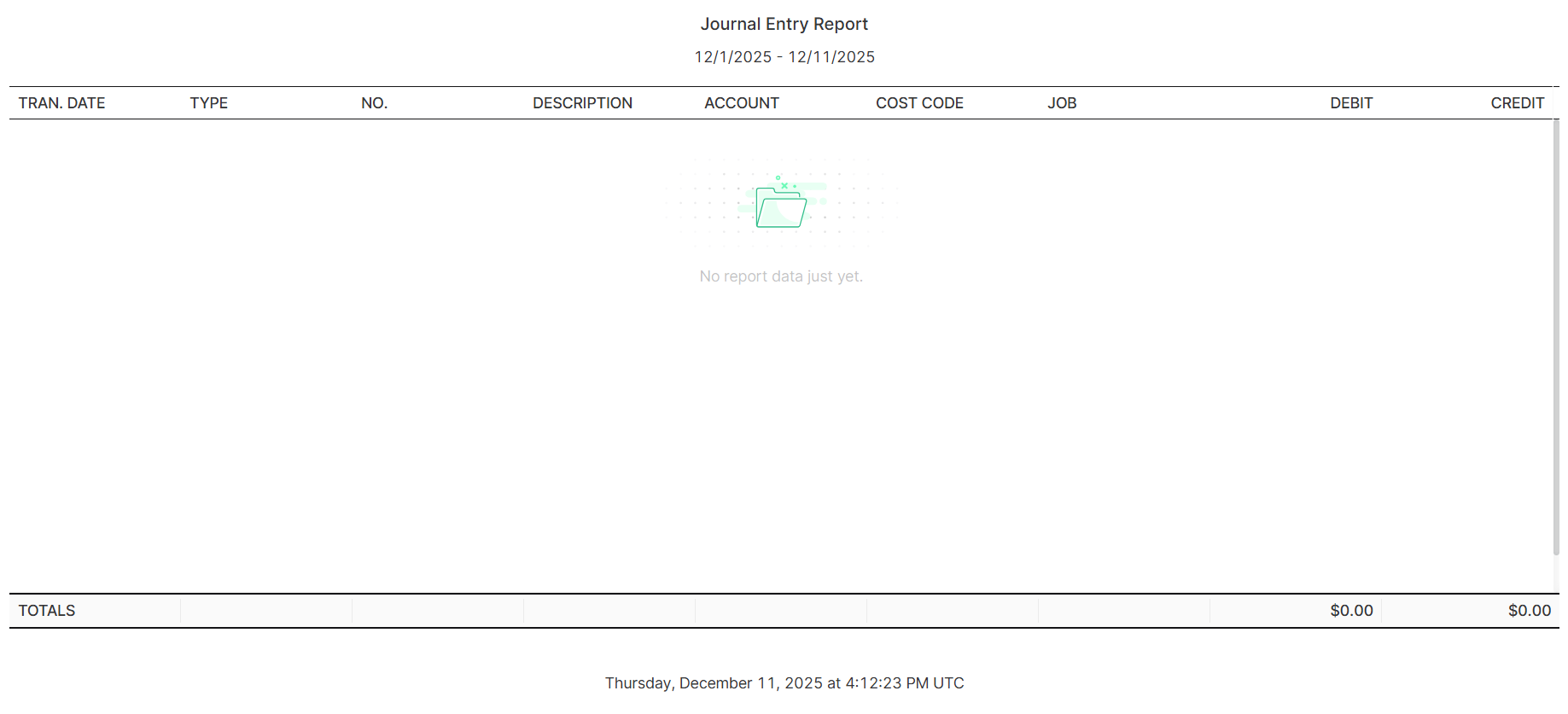
#### **Journal Entry Report**
Lists all manual journal entries created within a given period.\
**Use it for:** Reviewing adjustments, validating accounting corrections, and ensuring accuracy in financial reporting.
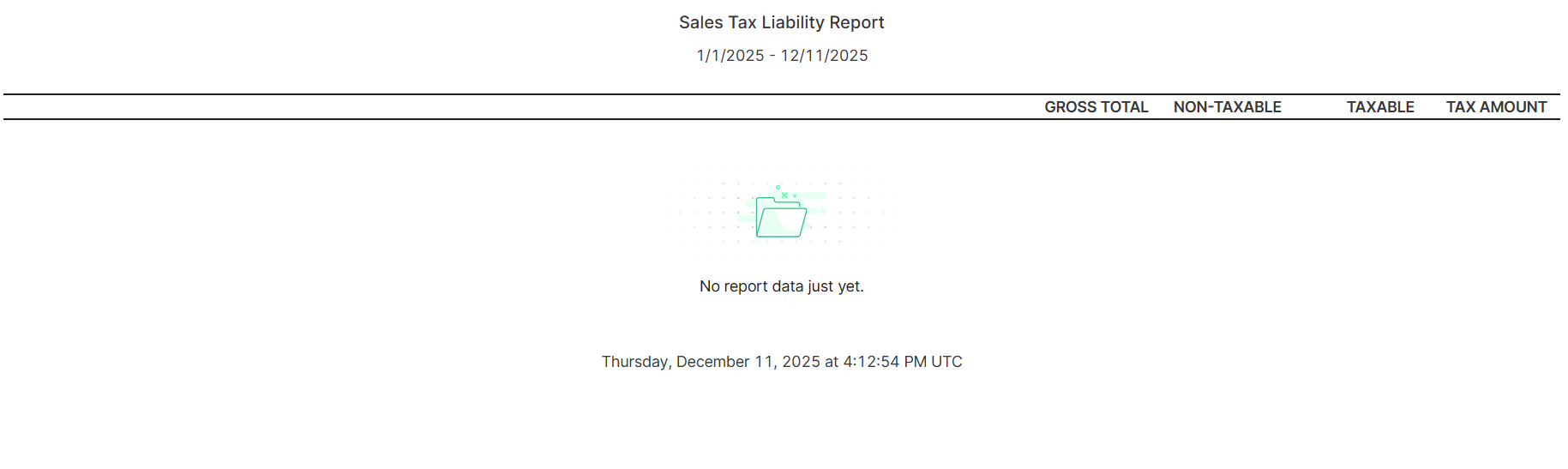
#### **Sales Tax Liability Report**
Summarizes sales tax collected and the amount owed to tax authorities.\
**Use it for:** Staying compliant with tax regulations and preparing tax filings.
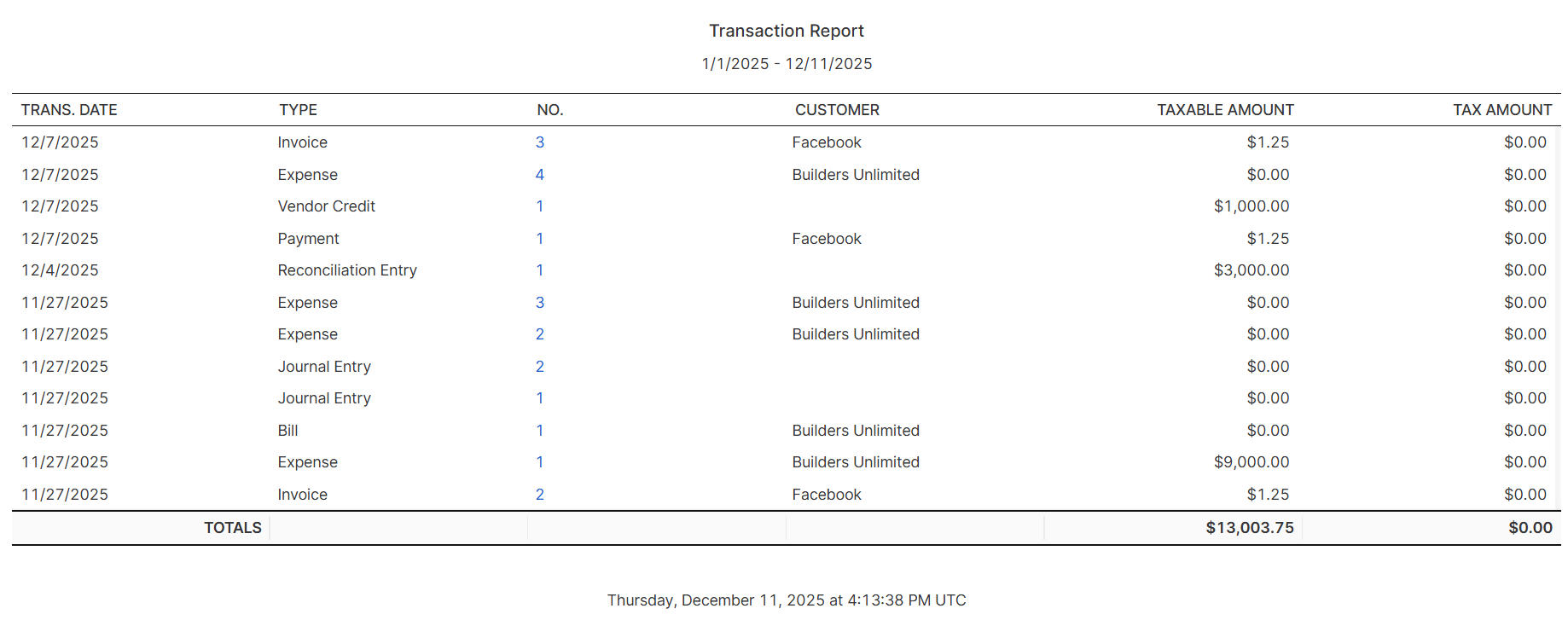
#### **Transaction Report**
Displays all financial transactions recorded during a selected period.\
**Use it for:** Audits, reconciliations, and obtaining a full picture of cash movement.
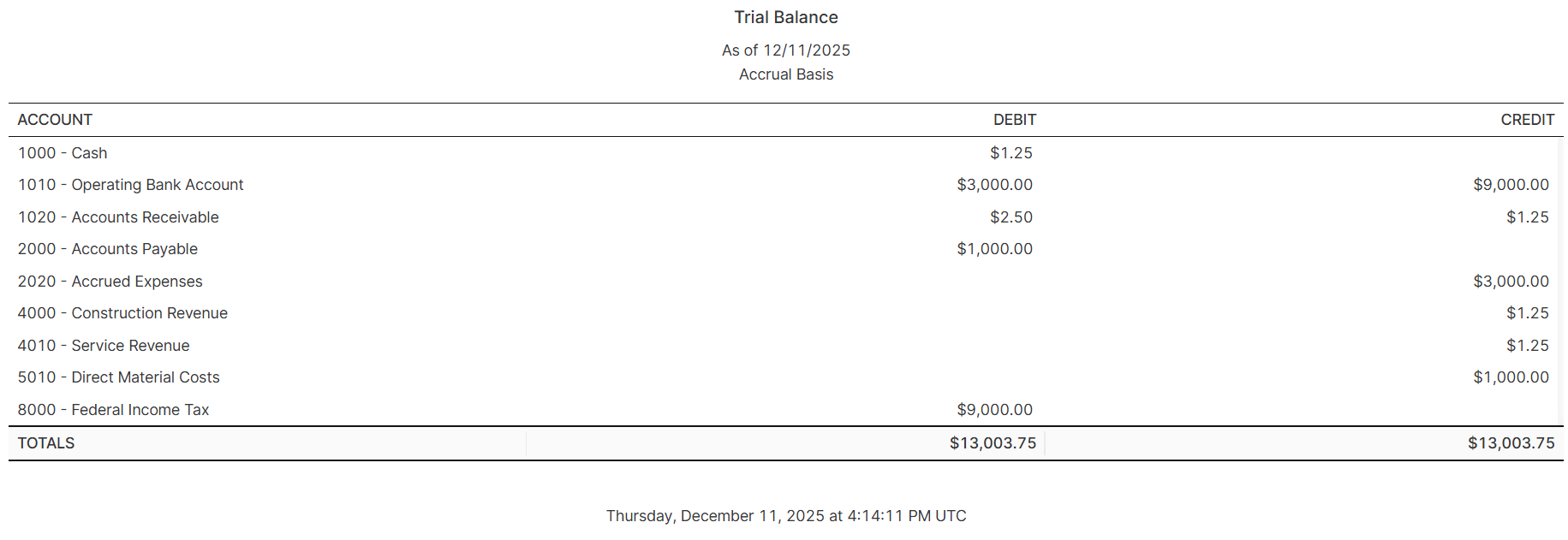
#### **Trial Balance**
Shows all account balances (debits and credits) at a specific point in time.\
**Use it for:** Ensuring the ledger is balanced, preparing financial statements, and detecting posting errors.
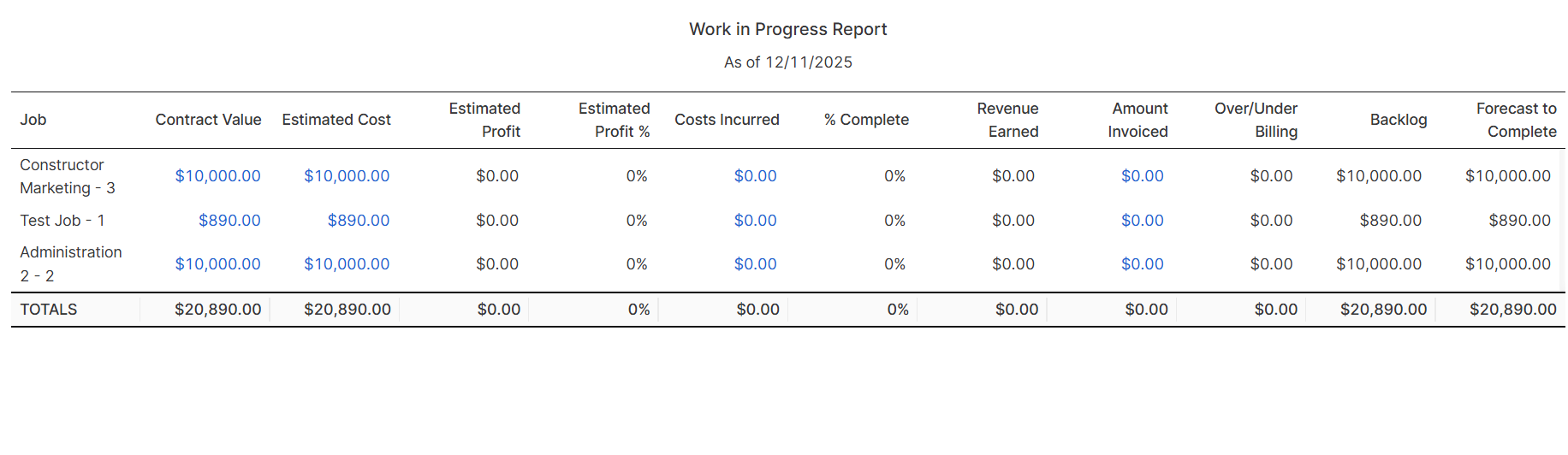
#### **Work In Progress (WIP) Report**
Tracks financial progress for ongoing projects, showing cost accumulation, billable amounts, and estimated profitability.\
**Use it for:** Monitoring project health, preventing budget overruns, and forecasting earnings.
### **Why These Reports Are Important**
These reports play a critical role in your financial visibility and operational control:
* **Monitor financial health:** Reports allow you to evaluate profitability, expenses, and overall performance with accuracy.
* **Improve cash flow management:** AR and AP reports help you identify outstanding payments and upcoming obligations.
* **Support strategic decisions:** With updated financial and operational data, you can make informed decisions that impact growth and stability.
* **Ensure compliance:** Reports like the Sales Tax Liability Report help maintain accurate tax records.
* **Track project performance:** WIP reports show how projects are financially progressing before they are finished.
Accurate reporting empowers your team to plan, optimize processes, and maintain long-term financial stability.
### See also
To explore more topics on CrewCost, you can check:
* [Setting Up Recurring Transactions](/documentation/accounting-transactions/set-up-recurring-transactions.md): Learn how to create and manage recurring transactions to automate repeated financial entries, save time, and ensure consistency in your accounting records.
* [Bulk Data Import:](broken://pages/wTWF6fo7gBEO5t5UEU2U) Learn how to upload large volumes of financial or operational data at once, streamlining onboarding, reducing manual entry, and keeping your system accurate and up to date.